Audience:
Operators
Create a company onboarding link from the Dashboard
Share your project's public company onboarding link from your Dashboard.
Public link
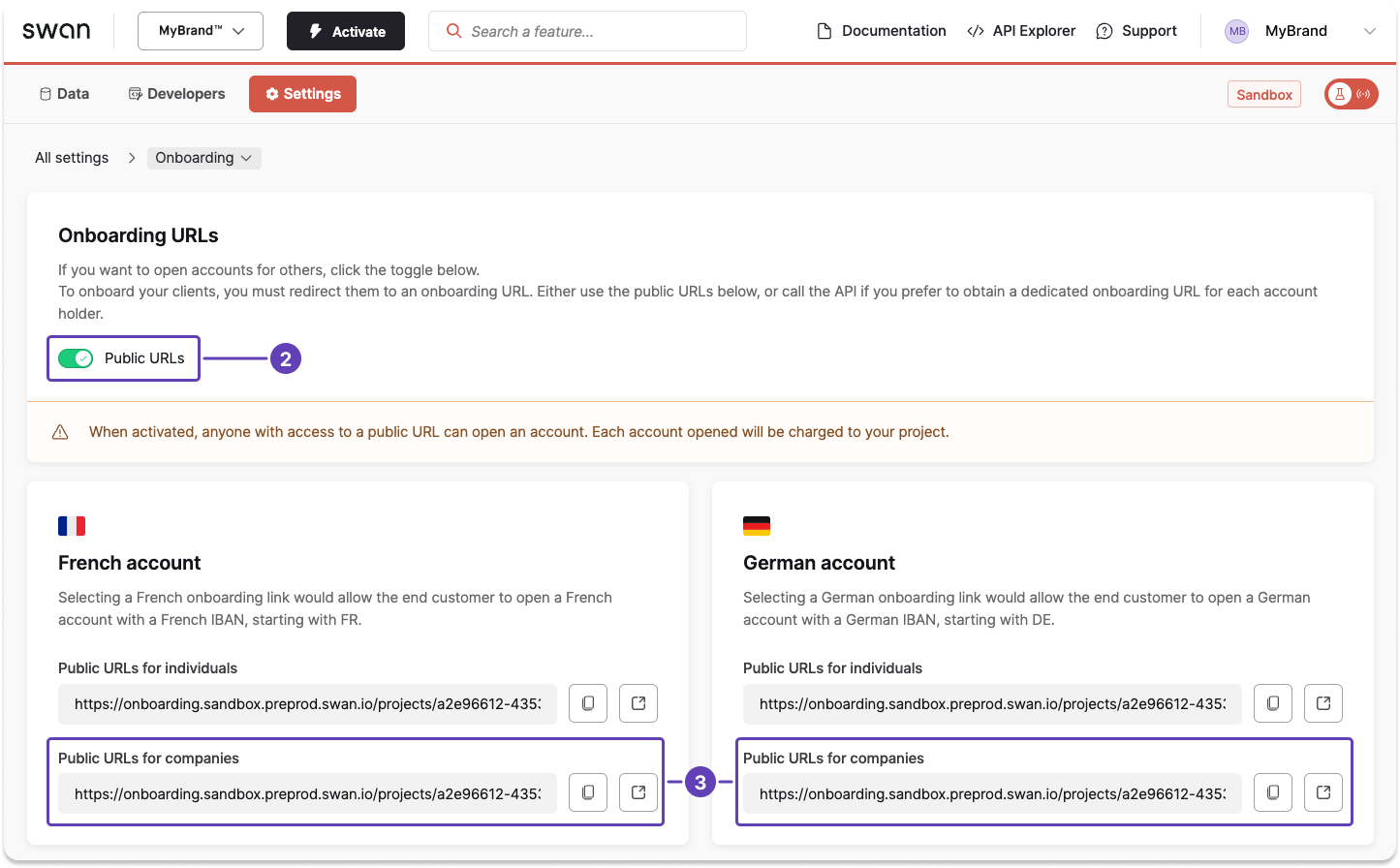
- On your Swan Dashboard, go to Settings > Onboarding.
- In the onboarding URLs section, toggle Public URLs to on.
- Notice the URLs that appear for individuals and companies for each account country.
Public URL availability
Anyone could create an account using the public URL, and all accounts created are charged to your project.
Also available
Create a company onboarding linkUsing the API